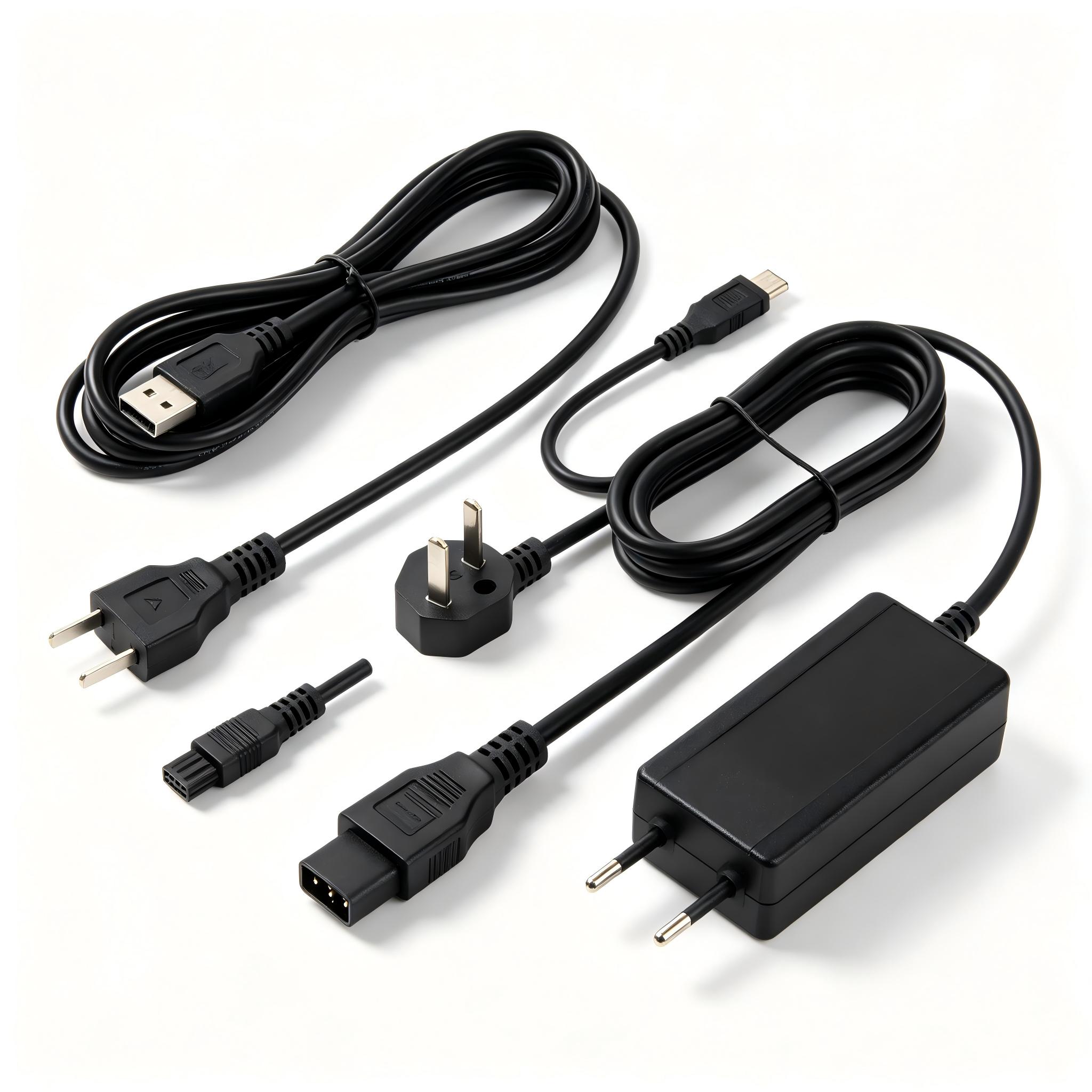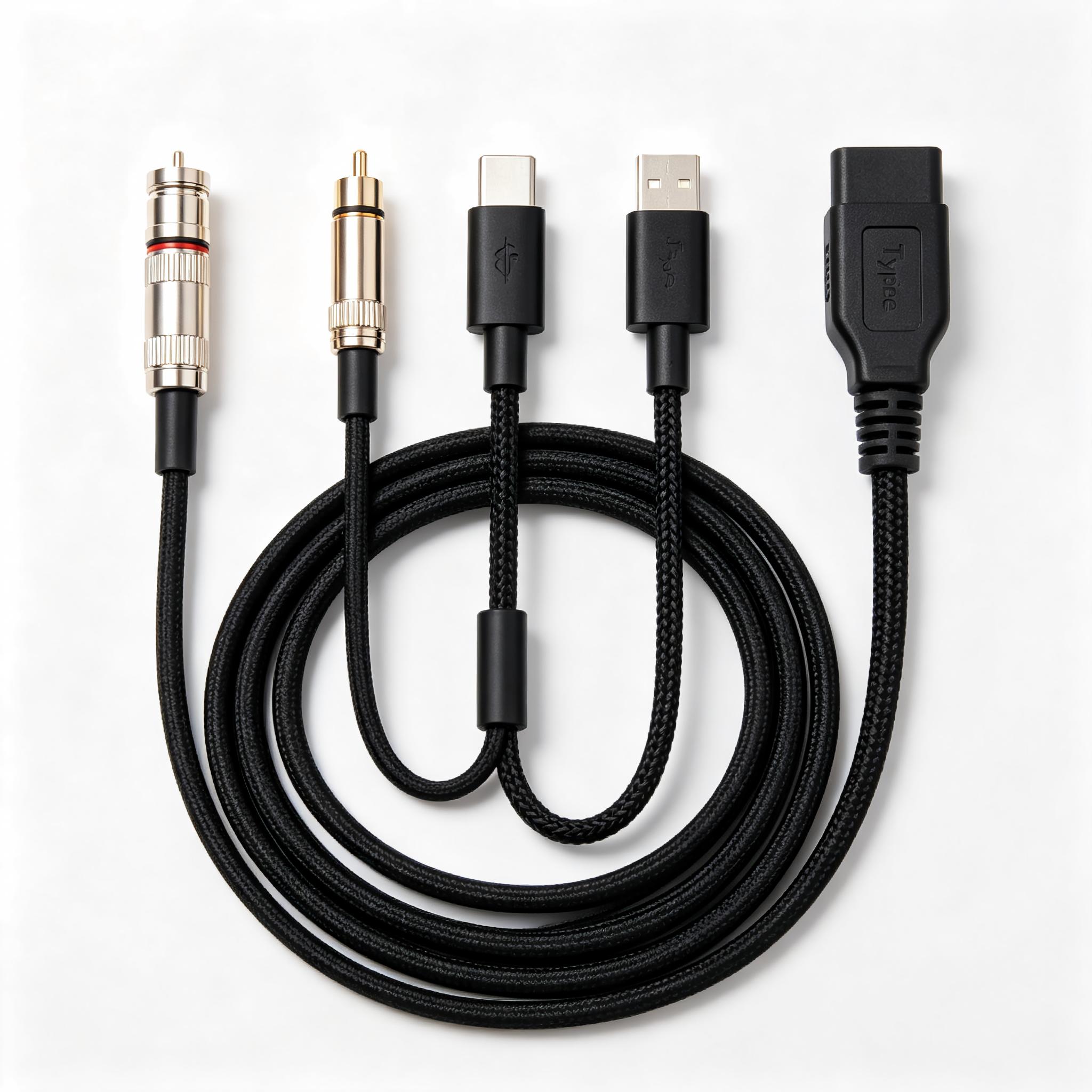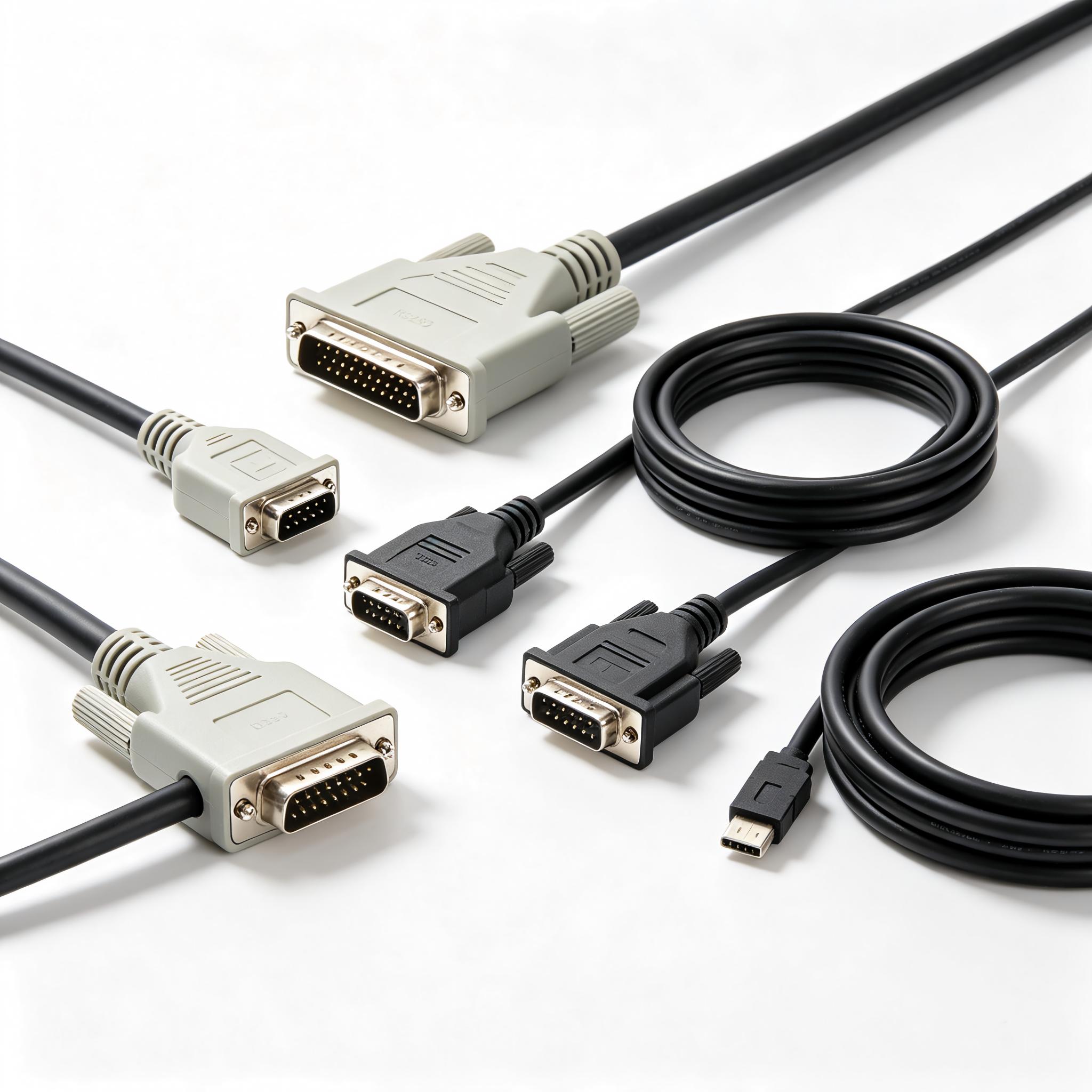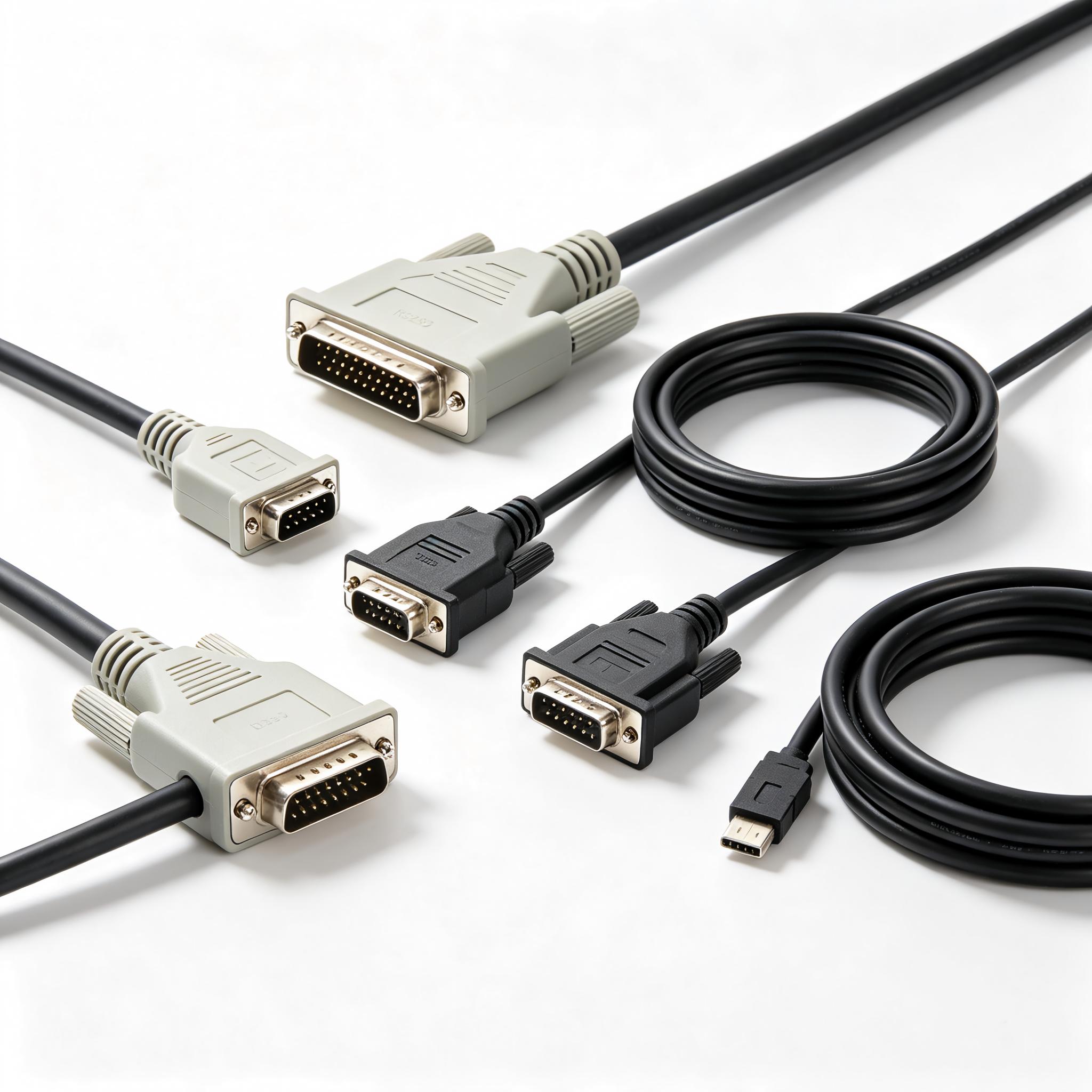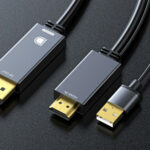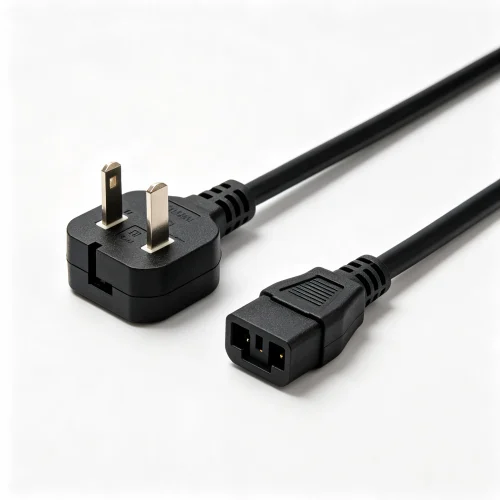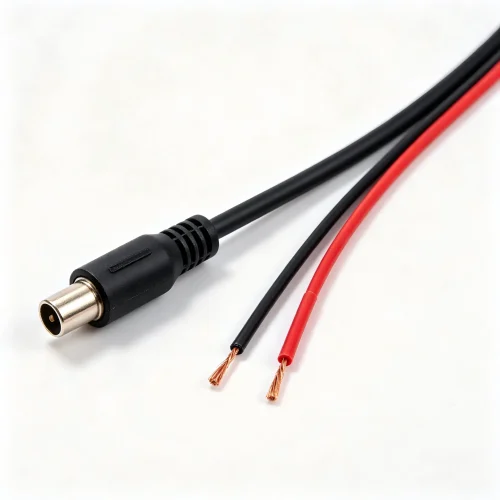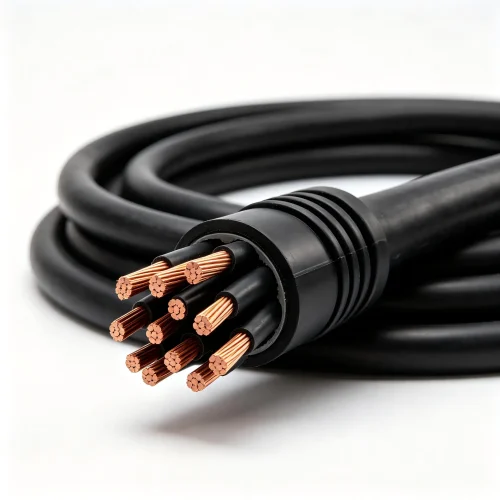
Knowing the maximum cable length for each interface is the difference between a system that runs for years and one that drops packets the day it is commissioned. Every protocol – USB, HDMI, Ethernet, RS-485 – has a physical reach beyond which the signal degrades past the point where the receiver can recover it. That limit is not a marketing number; it comes from signal attenuation, capacitance, and timing budgets defined in the standard. This guide gives buyers the practical distance table and the extension options that actually work.
Why Every Interface Has a Maximum Cable Length
A cable is not a perfect pipe for data. It behaves as a transmission line with resistance, capacitance, and inductance, and those parasitic elements stretch and weaken the signal as distance grows. Higher data rates shorten the usable length because a fast signal has less time budget to arrive cleanly, while low-speed industrial buses can travel far further on the same copper. That is why a slow RS-485 link reaches a kilometre while a SuperSpeed USB link is measured in a few metres.
Maximum Cable Length by Interface: Reference Table
| Interface | Typical max length | Governed by | Practical note |
|---|---|---|---|
| USB 2.0 | 5 m | Signal timing | One passive run only |
| USB 3.x / USB-C | 3 m | High-speed timing | Shorter than USB 2.0 |
| HDMI (High Speed) | 15 m | TMDS attenuation | Depends on conductor gauge |
| HDMI (Premium / 4K) | 5-10 m | Higher bandwidth | 4K needs active cable |
| Cat5e / Cat6 Ethernet | 100 m | Channel spec | Includes patch cords |
| Cat6a Ethernet (10G) | 100 m | Channel spec | Shielded required |
| RS-485 | 1200 m | Bus capacitance | Lower baud = longer reach |
| RS-232 | 15 m | Capacitance | Single-ended, short haul |
USB Distance Limits and How to Extend Them
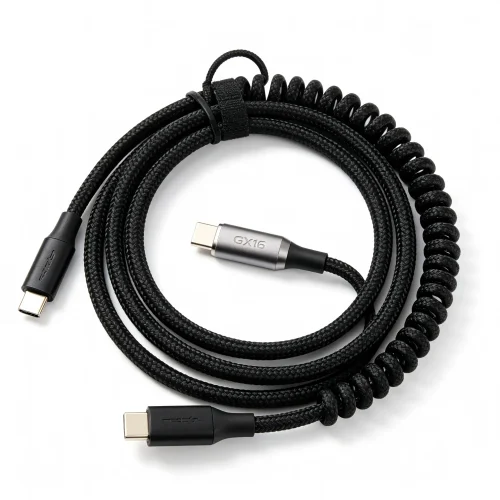
USB is the interface buyers underestimate most. The USB 2.0 standard caps a passive cable at five metres, and USB 3.x SuperSpeed is even less forgiving at roughly three metres because its 5 Gbps signalling has a tighter timing budget. Plugging two long cables together with a passive coupler does not double the reach – it usually fails outright because the timing budget is shared, not multiplied.
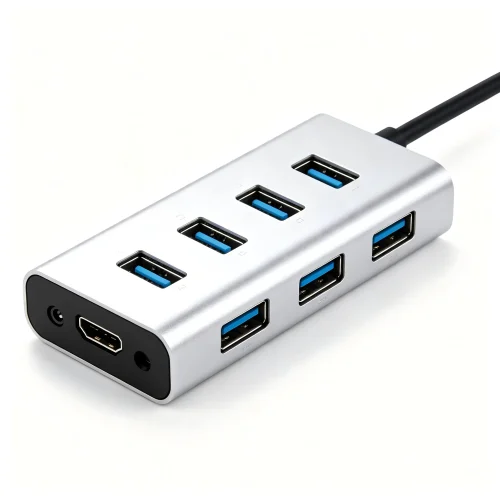
To go further, use an active extension cable, which re-times the signal inside the connector, or a powered hub that regenerates the link at each hop. For runs beyond thirty metres, an optical or fibre USB extender converts the signal and leaves copper limits behind entirely. When specifying these, buy from our USB cable range and confirm the extender is bus-powered or externally powered to match your host.
HDMI Reach and the Bandwidth Trade-off
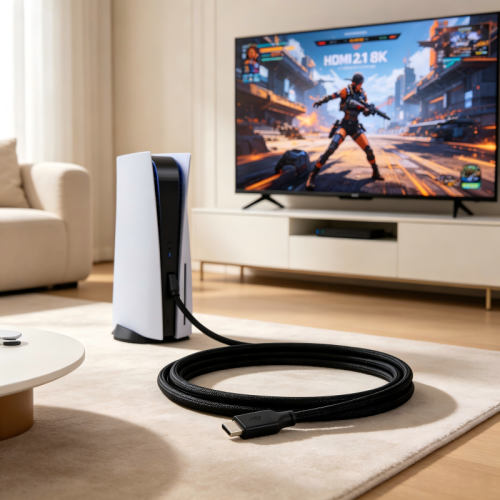
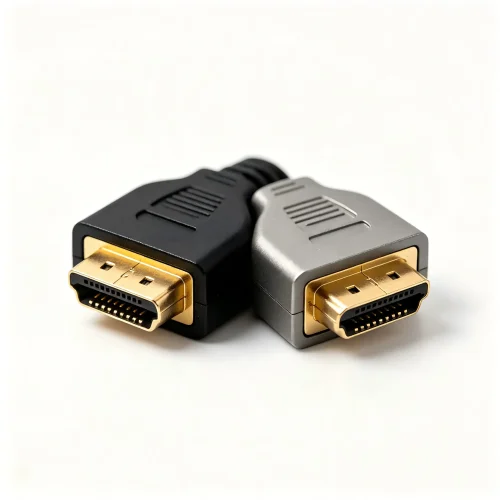
HDMI length is a function of bandwidth. A standard High Speed cable can often reach fifteen metres at 1080p, but the same cable may fail at 4K because the higher data rate pushes more energy through the same copper. Premium High Speed and Ultra High Speed cables that carry 4K and 8K are typically limited to five to ten metres before an active or fibre-optic HDMI cable is required. Conductor gauge matters too – heavier copper cores attenuate less, which is why a well-built 24 AWG cable will outrun a thin 30 AWG one at the same length.
Our câbles vidéo and specifically the HDMI cable range are built with the conductor gauge and shielding needed to hold spec at rated distance rather than only at zero metres.
Ethernet: The 100-Metre Channel Rule
Ethernet is the easiest interface to specify because the standard is unambiguous: the permanent link plus patch cords must not exceed one hundred metres. That figure is a channel budget, not a single cable length, so if you use a twenty-metre patch cord at each end, the horizontal run is reduced to sixty metres. Category choice does not extend the limit – Cat6a carries 10 Gbps to the same hundred metres that Cat5e carries 1 Gbps. What changes is bandwidth and noise immunity, not reach.
To hold that budget in a factory, shielded constructions and proper terminations matter. Our network and fibre cables, including the Ethernet patch cable range, are tested to the full channel spec so the hundred-metre figure holds in real installations.
RS-485 and RS-232: Industrial Reach Explained
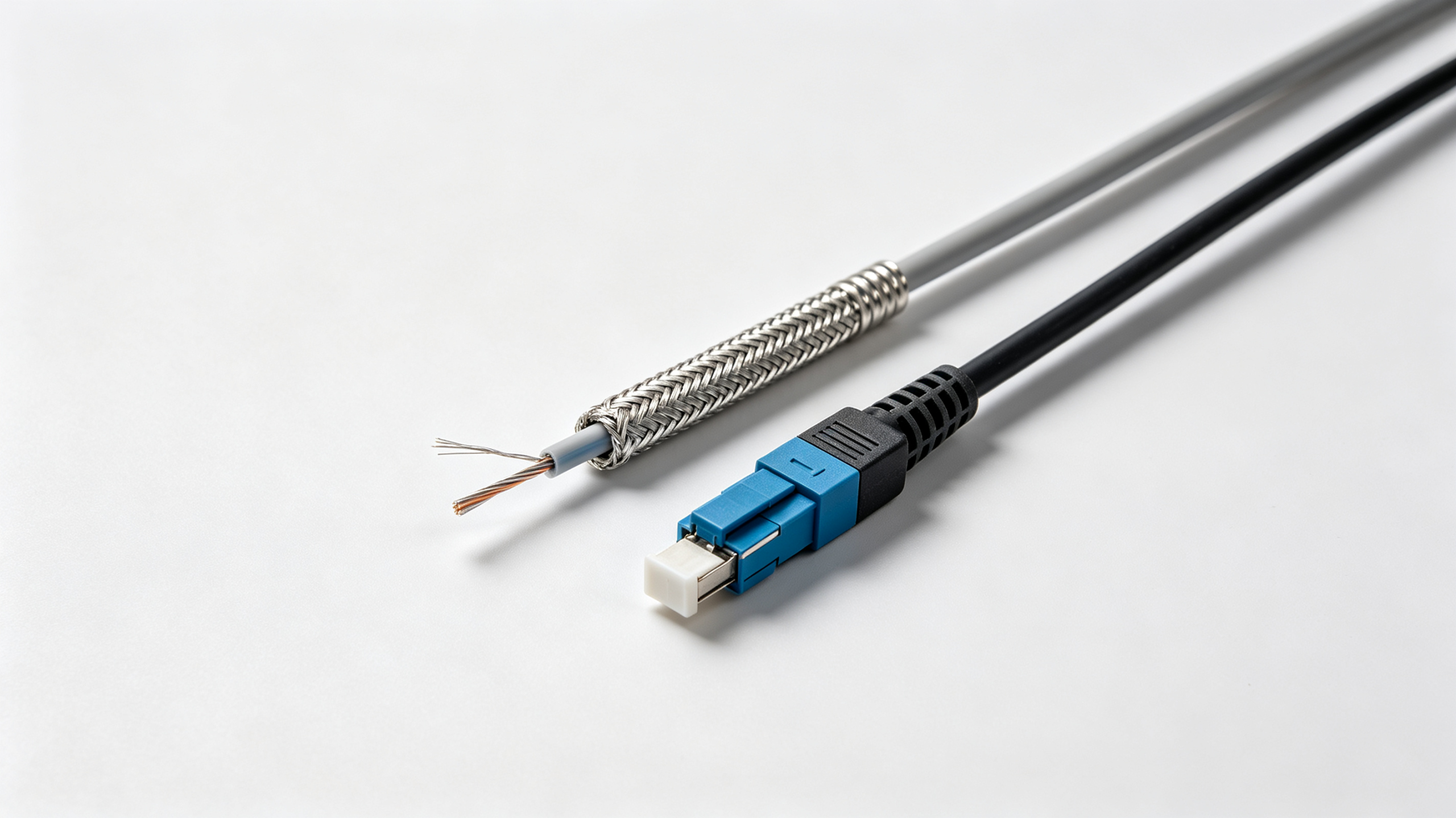
The industrial serial buses live at the opposite end of the spectrum. RS-485 is differential and can reach 1200 metres on a properly terminated twisted pair, but only at low baud rates – push the data rate up and the maximum cable length falls sharply. RS-232 is single-ended, so it is limited to roughly fifteen metres regardless of the data rate, which is why long-haul industrial links standardise on RS-485. For a full breakdown of the two standards, see our guide to serial and industrial communication cables.
Maximum Cable Length: Copper vs Fibre vs Active Extension
| Approach | Typical reach gain | Cost | Best for |
|---|---|---|---|
| Passive copper | Standard limit | Lowest | Short in-cabinet runs |
| Active copper extender | +30 m (USB) | Moderate | Desk-to-device runs |
| Fibre extender | 300 m+ | Higher | Building-to-building |
| Optical / AOC cable | Up to 100 m | Higher | HDMI and USB 3.0 |
How to Specify Length in an RFQ
- State the interface and data rate – the rate decides the achievable length, not the connector type alone.
- Give the installed length, not the cable length – include service loops and bend allowances.
- Confirm the channel budget – for Ethernet, total permanent link plus both patch cords.
- Ask for attenuation or insertion loss data – this proves the cable meets spec at your length.
- Request the test report – a cable that passes at one metre is not evidence it passes at fifteen.
Common Distance Mistakes in B2B Procurement
The most frequent error is couplers – joining two five-metre USB cables to reach ten metres fails because timing budgets do not add. A second is buying an unshielded Cat6a expecting it to beat the hundred-metre limit, when the limit is a standard, not a material. A third is ignoring the fact that a longer RS-485 bus at high baud only works with correct termination resistors and daisy-chain topology. Finally, many buyers forget that lowering the baud rate is free distance on an industrial bus, while raising it silently shortens the maximum cable length.
For the underlying physical definition, see the cable length reference on Wikipedia. Always cross-check the exact figure against the governing standard for your interface before committing to a drawing.
Need a cable that holds specification at your exact length? Contact our engineering team with your interface, data rate, and run length, and we will quote a build-ready assembly with the test data to prove it.